
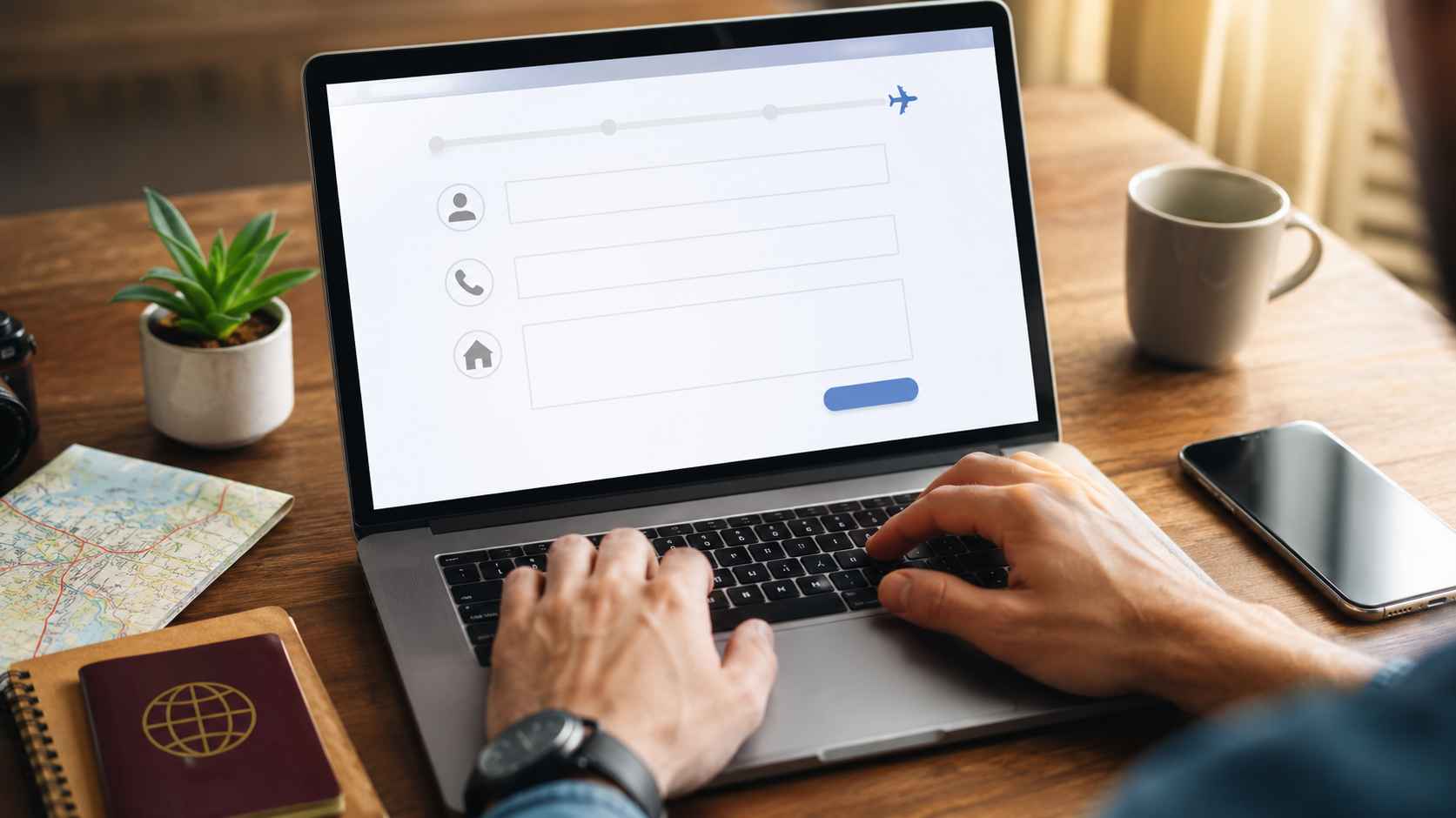
A reservation form in Japan is an online form used by hospitals, administrative scrivener offices, beauty salons, Japanese language schools, public consultation desks, and other services to collect a user’s preferred date, time, and contact information in advance. Foreign residents in Japan often become confused when entering their name order, furigana, phone number, address, or when trying to understand cancellation rules. Japanese forms also tend to specify detailed input formats, such as full-width and half-width characters, postal codes, building names, room numbers, and agreement checkboxes. This article explains how to understand each input field and what to check before submitting a reservation form, so that foreign residents can complete bookings in Japan with confidence.
What Is a Reservation Form in Japan?
This section explains the common items found in Japanese reservation forms and the basic rules to check before entering information. A reservation form is not only used to submit a preferred date and time, but also to confirm identity, make contact, prepare for the visit, and manage cancellations. If the information entered is incorrect, the user may not receive a confirmation email, may not be reachable by the service provider, or may spend extra time on identity confirmation on the day of the appointment. When foreign residents use a Japanese reservation form, it is important to first review the whole screen and identify required fields, input examples, caution notes, and agreement checkboxes.
Main Items Commonly Entered in Reservation Forms
Japanese reservation forms commonly ask users to enter their name, email address, phone number, address, preferred date and time, consultation details, and number of people using the service. Forms used by medical institutions and professional offices may also ask for date of birth, nationality, residence status, the topic of consultation, and whether the user has prepared the required documents. Forms used by beauty salons and classes often ask users to select the desired service, staff member, required time, and payment method. Even when a form contains many fields, users can usually proceed smoothly by prioritizing and accurately completing the fields marked as required.
Difference Between Required and Optional Fields
In Japanese reservation forms, fields that must be completed are often marked with labels such as “required,” “optional,” or the symbol “※.” If a required field is left blank, the user often cannot proceed to the next screen, and an error message may appear in red when the form is submitted. Optional fields may not be necessary to complete the reservation, but it is better to fill them in when the information helps explain the purpose of the visit or the user’s needs. Foreign residents who are not confident in Japanese can still write short notes such as the purpose of the visit, preferred language, and available contact times, which helps the service provider prepare in advance.
Check the Required Input Format
Japanese reservation forms may specify input formats such as full-width characters, half-width characters, numbers only, no hyphens, or katakana entry. For example, some forms require a phone number without hyphens, such as “09012345678,” while others accept a format with hyphens, such as “090-1234-5678.” Postal codes may also be required in either “1234567” or “123-4567” format, so users should always check the input example before submitting. When an error appears, it does not always mean that the information itself is wrong; in many cases, the type of characters or symbols used simply does not match the form’s required format.
| Item to Check | Common Display | Important Point |
| Required field | Required, ※ | If left blank, the form often cannot be submitted. |
| Character format | Full-width, half-width, katakana | Names and furigana must be entered using the specified character type. |
| Agreement checkbox | Agree, confirmed | Read the cancellation rules and personal information policy before checking the box. |
How to Enter Names, Phone Numbers, and Addresses Correctly
This section explains how to enter names, phone numbers, and addresses, which are the items foreign residents most often find confusing on Japanese reservation forms. Many Japanese forms are designed based on Japanese name and address formats, so users may struggle with middle names, long names, overseas phone numbers, or building names. The purpose of a reservation form is to help the service provider correctly identify the user and contact them when necessary. Therefore, users should not only think about whether the entry exactly matches their passport or residence card, but also choose a format that makes identity confirmation easier on the day of the appointment.
Check the Order of Family Name and Given Name
Japanese reservation forms often separate the name field into “family name” and “given name,” with the family name entered in the surname field and the given name entered in the first name field. If a foreign resident has a middle name and the form does not provide a separate middle name field, the middle name can be entered together with the given name, or the full official spelling can be added in the remarks field. If a katakana furigana field is required, users should enter a katakana spelling that is close to the pronunciation and follow common Japanese notation for long vowels and small characters. If the name is too long to fit in the field, users should enter as much as possible in a way that can be matched with identity documents and explain the omitted part in the remarks field if there is a character limit.
Enter a Phone Number That Can Be Reached in Japan
When a Japanese reservation form asks for a phone number, users should generally enter a mobile phone number that can be reached within Japan. Japanese mobile phone numbers usually begin with 090, 080, or 070, and they are used for reservation confirmations or urgent schedule changes. If the user only has an overseas phone number, they should check whether the form accepts a country code; if not, they should enter a correct email address and add the overseas phone number in the remarks field. If there are times when the user cannot answer calls, writing a short note such as “Please contact me after 6 p.m. on weekdays” makes it easier for the service provider to reach them.
Enter the Address Starting from the Postal Code
Japanese address fields are commonly entered in the order of postal code, prefecture, city or ward, town name, street number, building name, and room number. Some forms automatically display the prefecture and city or ward after the postal code is entered, but the user still needs to add the street number, building name, and room number manually. Foreign residents often forget to enter the apartment name, condominium name, or room number, which may cause problems when receiving documents by mail or confirming an address. Although an address is not always required for every reservation, accurate address information is more likely to be required for administrative procedures, residence status consultations, and first-time medical appointments.
Use an Email Address That Can Receive Confirmation Messages
After a reservation form is submitted, the system often sends an automatic reply or reservation confirmation email, so users should enter an email address they check regularly. If the email address is entered incorrectly, the reservation confirmation may not arrive, making it difficult to know whether the booking has been completed. Users should therefore check each character carefully before submitting the form. If the email filter settings are strict, automatic replies from reservation systems may be sent to the spam folder, so users should check the spam folder, the entered email address, and the reservation completion screen if no email arrives after submission.
Cancellation Policies, Agreement Checkboxes, and Post-Reservation Confirmation
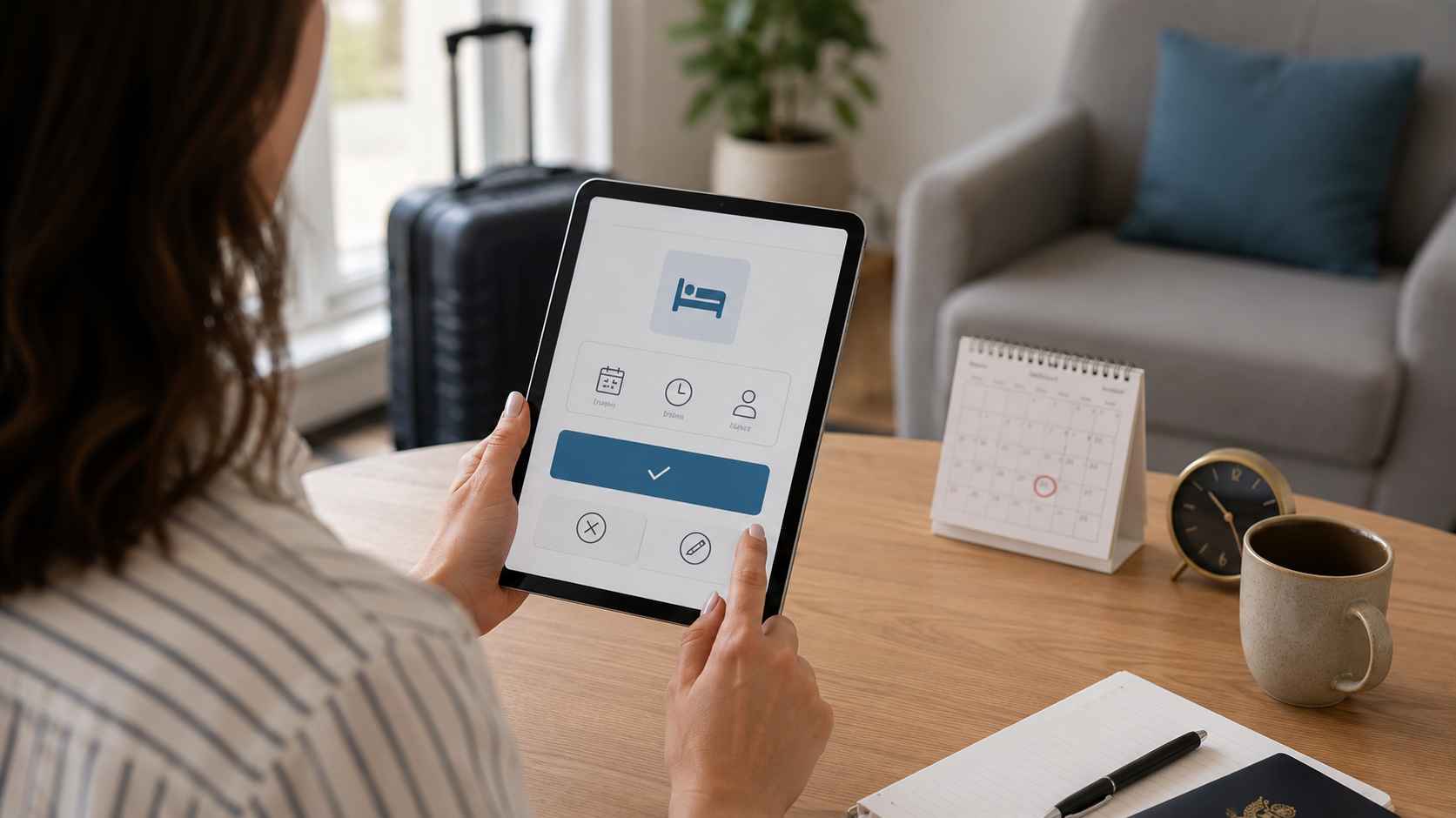
This section explains the cancellation policies, agreement checkboxes, and post-reservation confirmation steps that users should check before submitting a reservation form. In Japan, service providers may set cancellation deadlines, change procedures, and cancellation fees in advance to prevent no-shows and last-minute changes. If foreign residents check the agreement box without reading the Japanese rules carefully, they may later face difficulties with fees or contact methods when their plans change. When using a reservation form, users should confirm not only the information they entered, but also the rules they must follow after the booking is made.
Check the Deadline and Fees in the Cancellation Policy
A cancellation policy is a set of rules that defines the cancellation deadline, contact method, and whether a cancellation fee will be charged. In Japanese services, some providers allow free cancellation until the day before, some charge a partial fee for same-day cancellation, and some charge the full amount for no-shows, depending on the industry and provider. Medical institutions, consultation desks, beauty salons, and classes often prepare staff and space for each reserved time slot, so cancelling without notice should be avoided. If there is a possibility that plans may change, users should check the latest cancellation deadline before submitting the form and save the confirmation email for later reference.
Check Agreement Boxes Only After Reading the Content
At the end of a reservation form, users often see checkboxes such as “I agree to the terms of use,” “I agree to the handling of personal information,” or “I have confirmed the cancellation policy.” These checkboxes are not just a formality; they indicate that the user understands the conditions related to the reservation. Even when the Japanese text is difficult, users should translate and review the parts about cancellation deadlines, fees, the purpose of personal information use, and contact methods. Many forms cannot be submitted unless the agreement box is checked, so users should confirm the content before checking the box and save a record after submission.
Save the Completion Screen and Confirmation Email
After submitting a reservation form, users should always check whether the reservation completion screen appears and whether a confirmation email arrives. The completion screen may include a reservation number, date and time, location, staff member, items to bring, change procedure, and cancellation method. If a confirmation email arrives, users should not delete it before the appointment date and should save a screenshot or print it if necessary. Foreign residents who are not confident in Japanese can show the confirmation email at reception, which helps communicate the reservation details accurately.
Contact the Provider Quickly If You Notice an Input Error
If users notice an error in their name, phone number, date and time, or consultation details after submitting the reservation, they should contact the service provider as soon as possible. If the confirmation email contains a change link, the user may be able to correct the information through that link. If there is no change link, the user should contact the provider by phone or email and clearly state the reservation name, reservation date and time, and the information that needs to be corrected. Even if it is difficult to explain in Japanese, short phrases such as “I would like to change my reservation details” or “I entered the wrong phone number” can help communicate the main point.
For Reservation Systems, Choose “RESERVA”
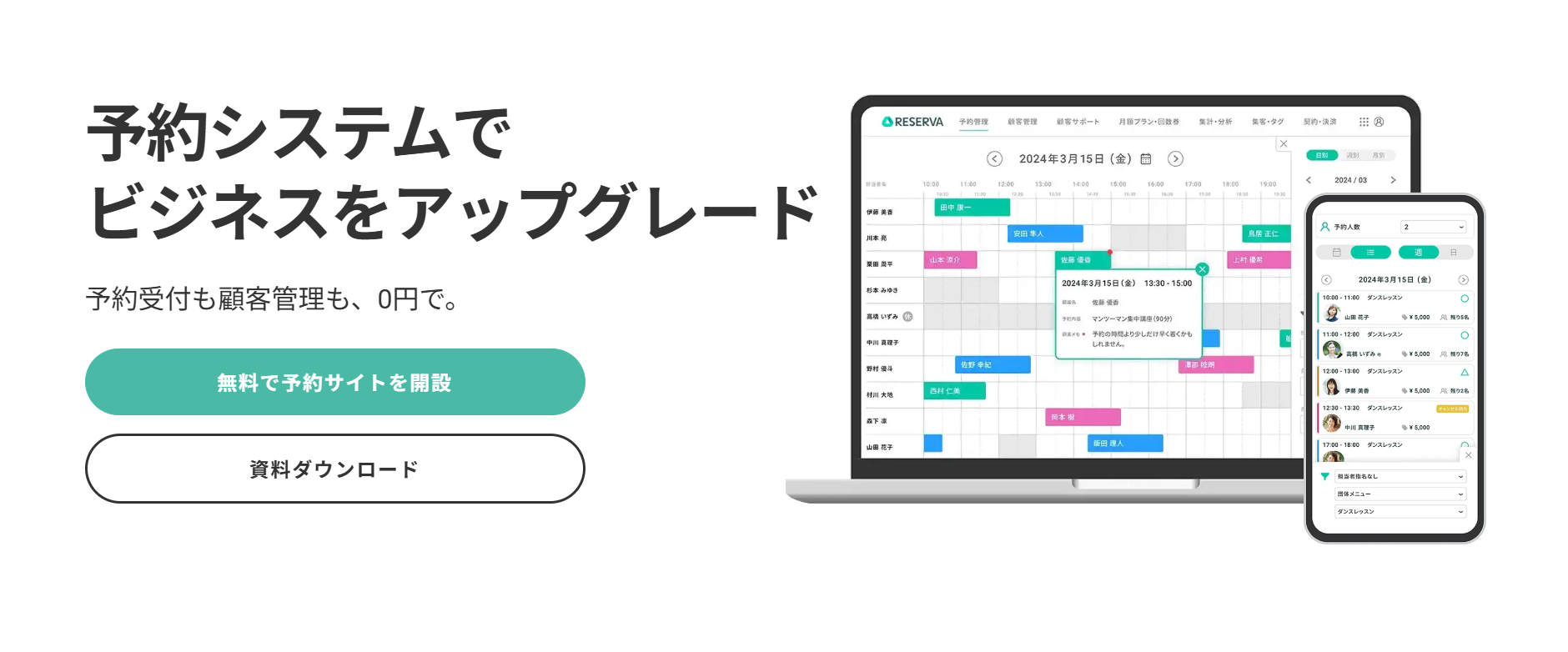
For reservations at consultation desks and services for foreign residents, the cloud-based reservation management system RESERVA is an excellent option. It has been introduced by 350,000 companies and is one of Japan’s leading reservation systems in terms of market share. RESERVA supports a wide range of industries and business types and is used across more than 350 service categories. It takes as little as 3 minutes from account creation to completing a reservation system setup, and it also offers a permanently free plan. This makes it suitable for businesses that want to keep implementation costs low or test usability before full-scale adoption.

Input Field Design Is Important for Foreign Resident Support
Reservation forms used by foreign residents may need to confirm more information than standard forms, such as name spelling, furigana, nationality, preferred language, residence status, and available contact times. By using a reservation system such as RESERVA, service providers can organize the required fields according to their industry and service content and collect important information at the time of booking. If reservations are accepted only by phone, misunderstandings and missing records are more likely to occur, and foreign users may feel pressured to explain everything in Japanese. When form fields are clearly designed, the provider can prepare more effectively, and users can enter their reservation information more calmly.
Confirmation Emails Reduce Anxiety Before the Visit
For foreign users, uncertainty about whether the reservation has really been completed and what documents to bring on the day of the appointment can be a major source of anxiety. When a reservation system sends a confirmation email, users can review the date, time, location, reservation details, and cancellation method later. At administrative scrivener offices and consultation desks, required documents may differ depending on the consultation topic, such as a residence card, passport, employment contract, or certificate of residence. If the confirmation email or guidance text clearly lists the items to bring, the explanation time on the appointment day can be shortened and the quality of the consultation can improve.
Cancellation and Change Rules Can Be Shared in Advance
In reservations for foreign residents, differences in language and daily habits can sometimes prevent cancellation and change procedures from being communicated clearly. By displaying the cancellation policy in the reservation form and adding an agreement checkbox, users can confirm the rules before submitting the form. Service providers can also use completion emails and advance notifications to explain important points again, which helps reduce no-shows and last-minute changes. Clearly presenting rules in the form is not intended to blame users, but to create a system that allows both the user and the provider to follow the reserved time with confidence.
Summary
When using a reservation form in Japan, it is important to correctly check the name, phone number, address, email address, and cancellation policy. The points that foreign residents often find confusing are not limited to the meaning of Japanese words, but also include Japan-specific input formats such as family name and given name order, furigana, full-width and half-width characters, postal codes, building names, and agreement checkboxes. To complete a reservation reliably, users should review required fields and input examples before submission and save the completion screen and confirmation email afterward. If there is an error in the reservation details or if the user’s plans change, contacting the provider early helps prevent trouble with the shop, office, or consultation desk.
For foreign residents living in Japan, being able to use reservation forms correctly is a basic skill for accessing services such as medical care, legal consultation, residence status consultation, beauty services, and education with peace of mind. For service providers, preparing clear input fields, explicit cancellation rules, and reservation confirmation emails helps reduce the burden of inquiries and lowers anxiety for users. In particular, consultation desks that support foreign residents can improve reservation completion rates by writing form explanations in easy Japanese and preparing English or multilingual notes when necessary. A reservation form is not just an input screen; it is an important point of contact that helps users and providers share reservation details and proceed smoothly on the day of the appointment.